MCP servers
WEPPY Roblox AI Toolkit
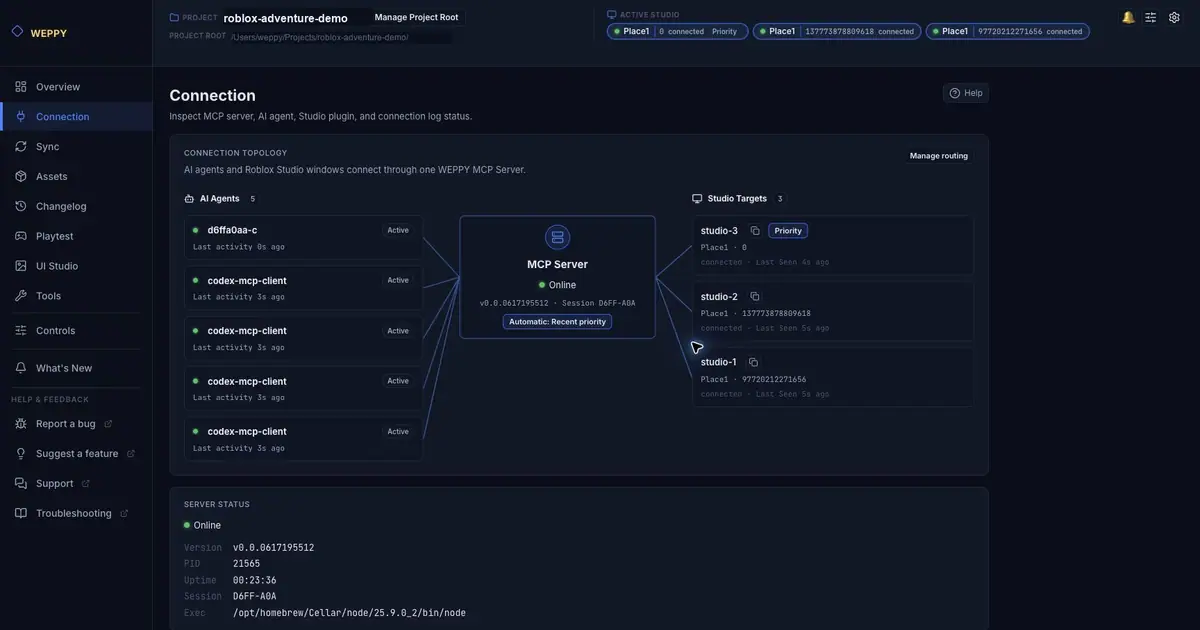
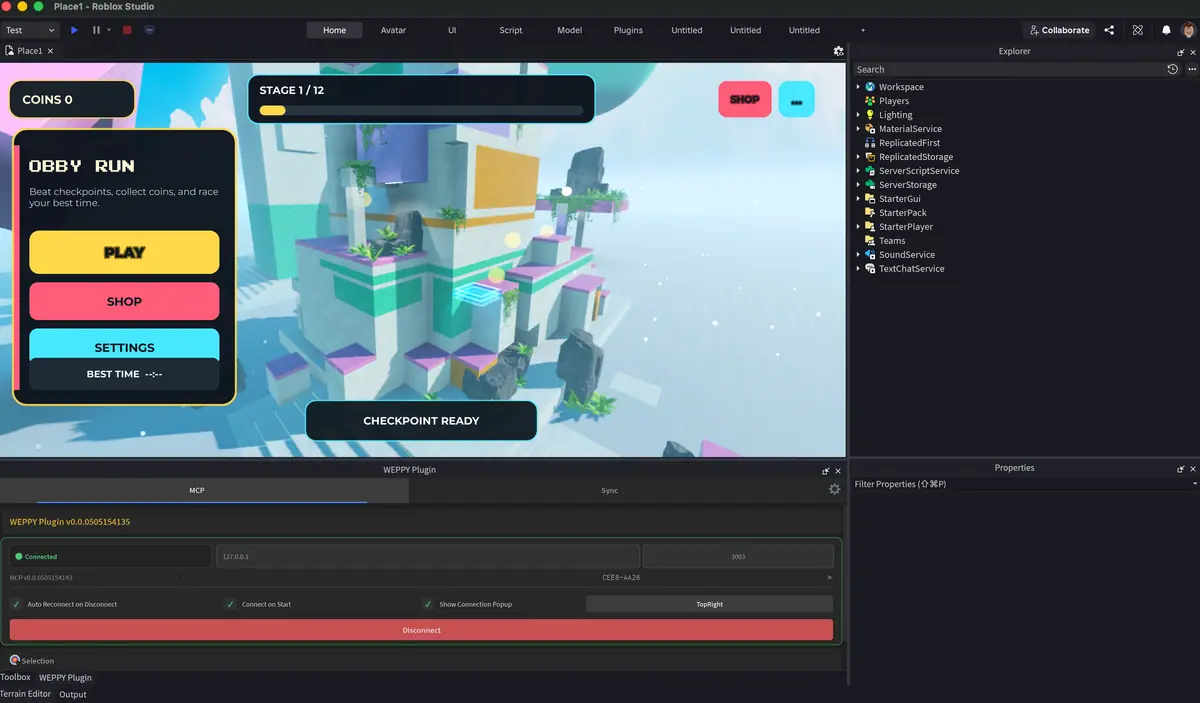
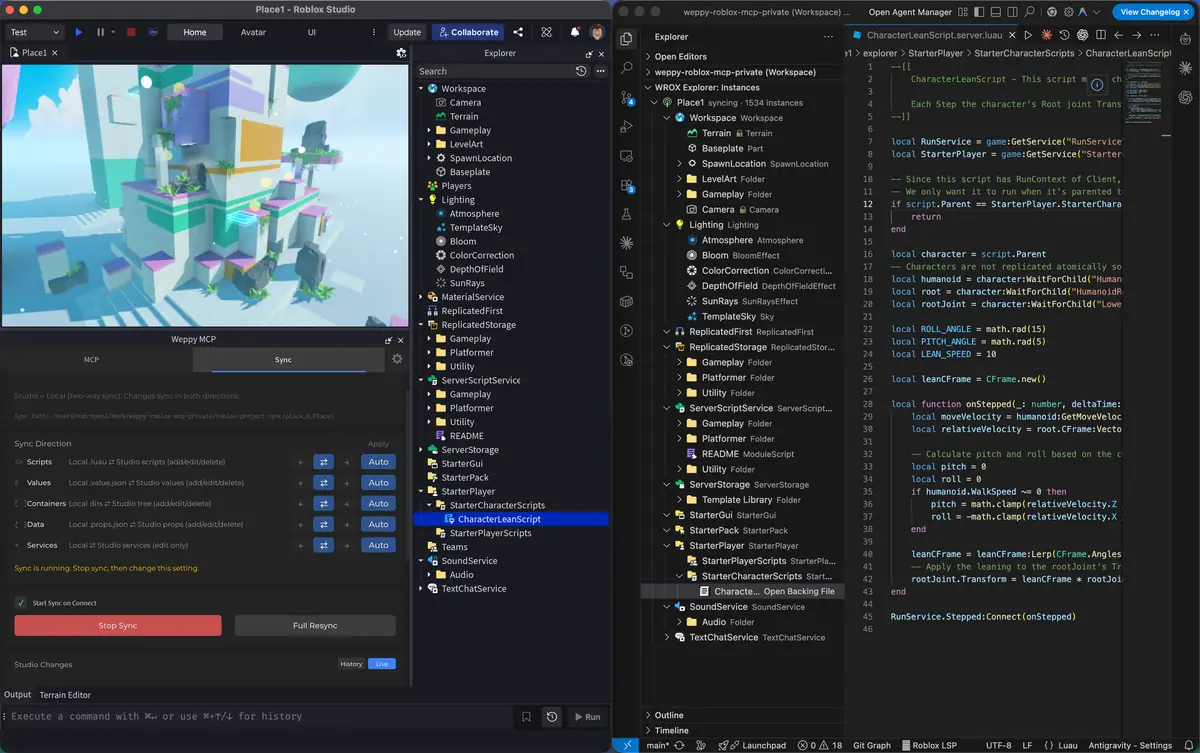
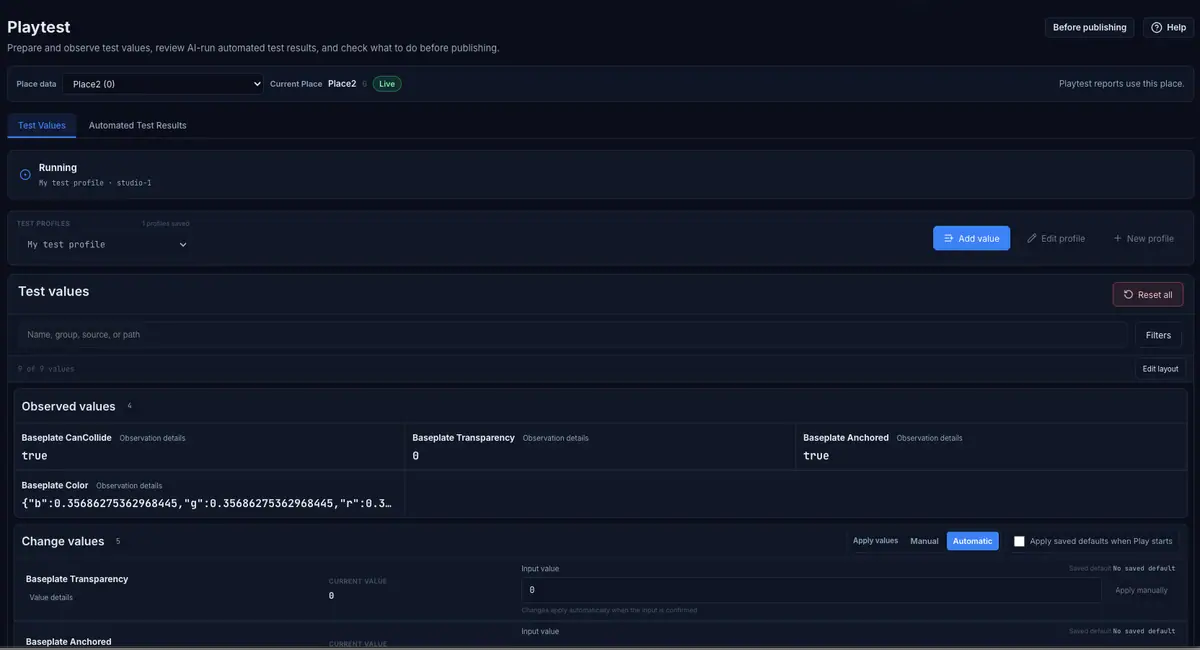
WEPPY is an MCP server and Studio plugin that lets Claude, Codex, Cursor and other clients edit a live place, with a local dashboard for connections, sync and playtests.
Last verified . Repository last pushed .
- 74 stars on November 3, 2026
- WEPPY Software License
- Works with Claude Code, Claude Desktop, Cursor, Codex, Gemini CLI
How do I install WEPPY Roblox AI Toolkit?
From the README
# macOS or Linux
curl -fsSL https://raw.githubusercontent.com/hope1026/weppy-roblox-mcp/main/install.sh | bash

# Windows PowerShell
irm https://raw.githubusercontent.com/hope1026/weppy-roblox-mcp/main/install.ps1 | iexManual server command, if the script is not what you want: `npx -y @weppy/roblox-mcp@latest`. Then reopen the AI app and restart Studio.
What does WEPPY Roblox AI Toolkit do?
The README says Basic is free and includes MCP tool execution and one-way sync from Studio to local files. Pro is paid and adds multi-place work for up to five Studio windows, asset upload, bidirectional sync, UI Studio, bulk operations, terrain, and audio or animation control. Requirements are Node.js 22 or newer, Studio, and Windows 10+ or macOS 12+. The server listens on 127.0.0.1. Telemetry is on unless ENABLE_TELEMETRY is false or 0. The license is the WEPPY Software License, not MIT. Your games are not charged a WEPPY royalty.
Source: hope1026/weppy-roblox-mcp. License file: WEPPY Software License. Language reported for the repository: PowerShell.